
VS Code MCP setup, screen by screen
Sign in with GoogleOne command adds the server; VS Code asks for the address, a name and where to keep it. Then you start the server, and VS Code walks you through the sign-in. The shots are VS Code 1.143 with its default theme.
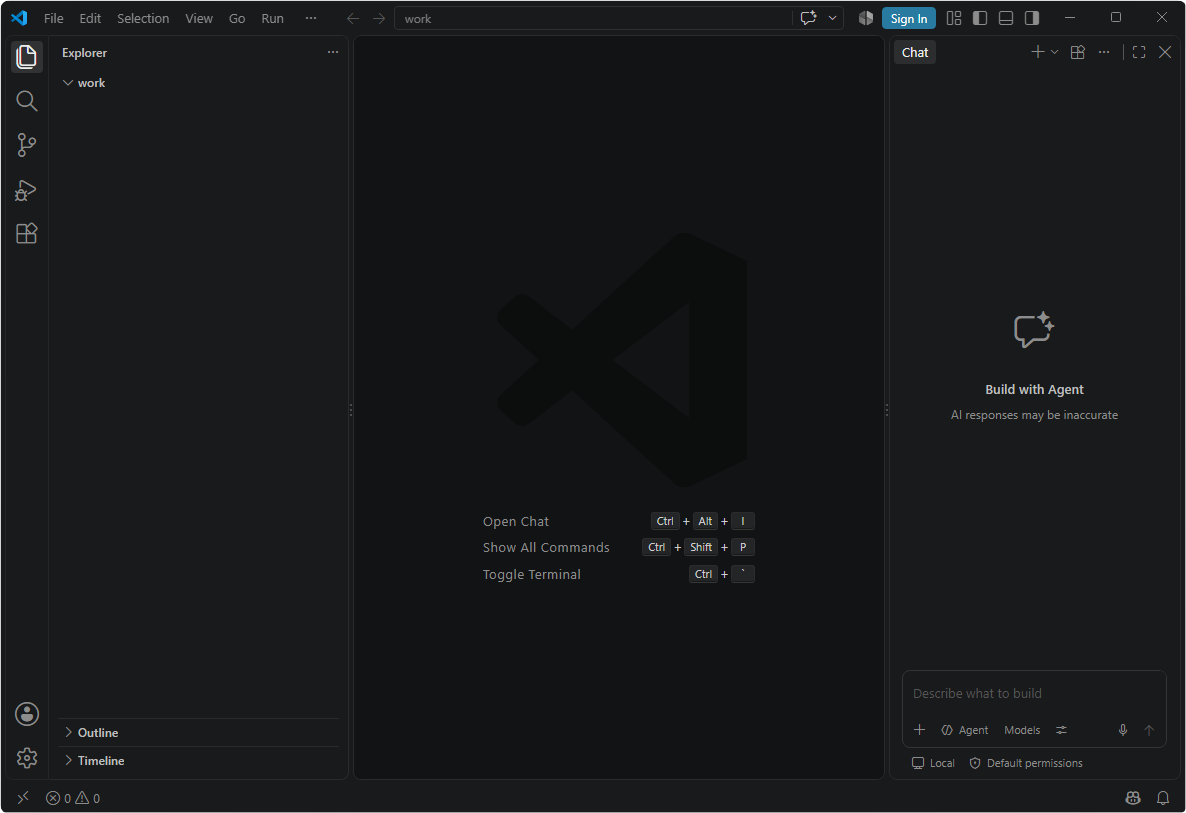
Open the Command Palette
Ctrl + Shift + P on Windows and Linux, ⇧ + ⌘ + P on macOS.