
Codex CLI MCP setup, screen by screen
Sign in with GoogleA separate install from the desktop app: the installer script, "npm install -g @openai/codex", or Homebrew. What you add here reaches the whole family: the desktop app's Codex mode and the IDE extension read the same configuration.
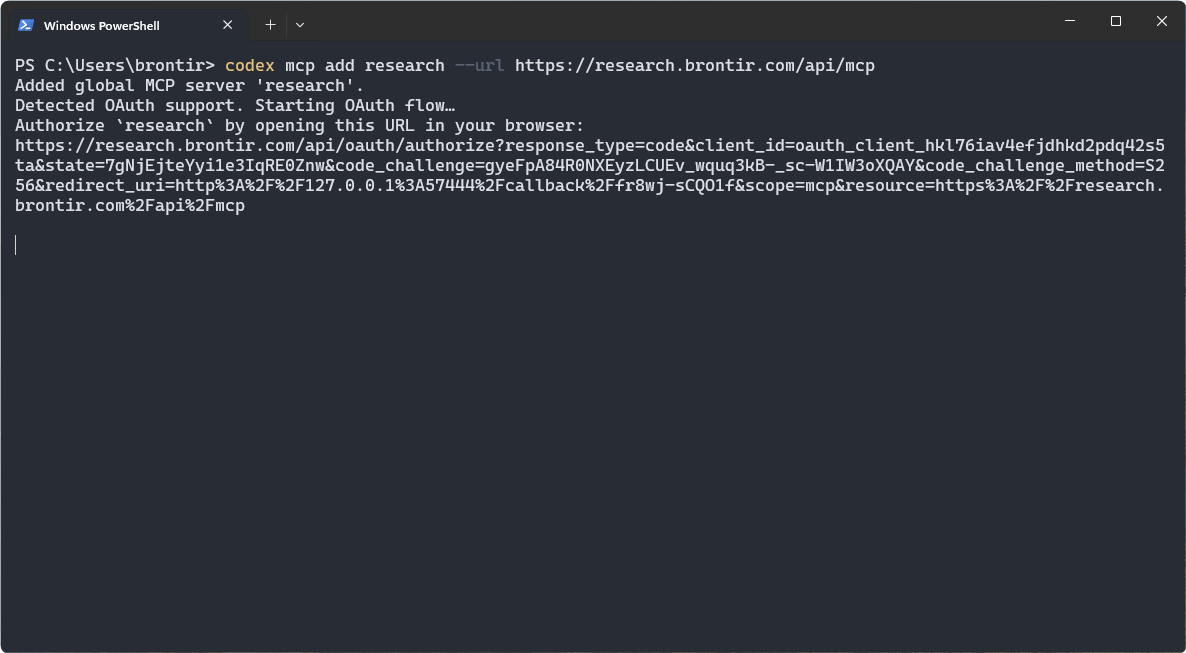
Add the server
Codex spots the OAuth support and starts the sign-in on its own, so there is no second command to run.
Commandcodex mcp add research --url https://research.brontir.com/api/mcp
If it says a login may be required instead of opening the browser, run "codex mcp login research".